

Where we’re at · October 2026
How far we’ve come v0.6
AmongReaders is a place to read books with friends and book clubs, at your own pace. You log where you are, and the conversation opens up as you get there, so you never hit a spoiler. Here’s everything it can do today.
Home
One page that knows where you are
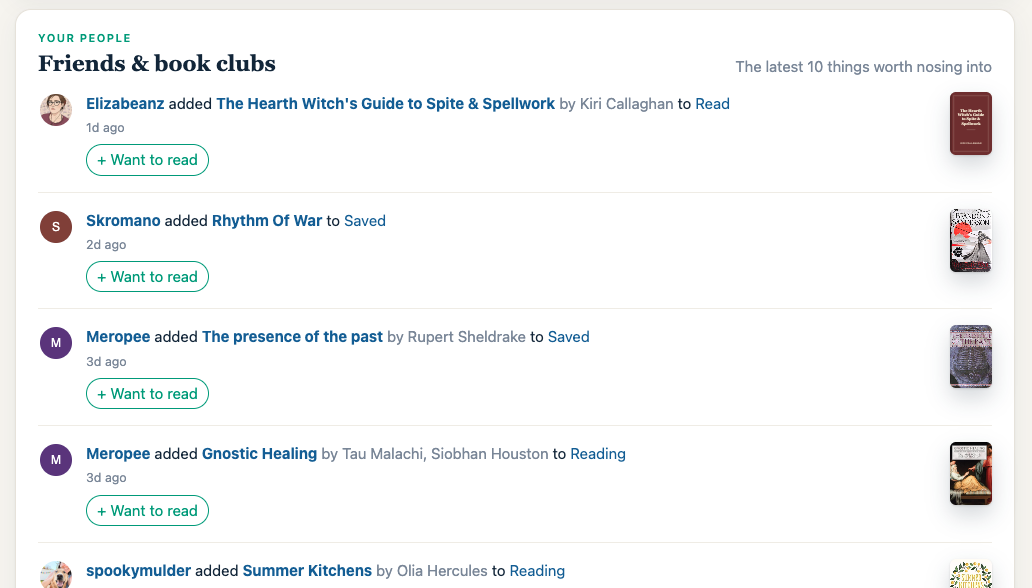
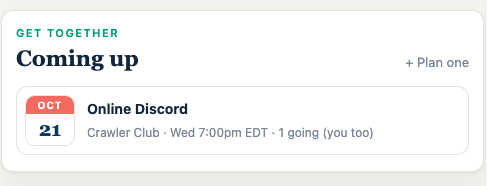
Open AmongReaders and you see the books you’re reading, how your clubs are doing, and what your friends are up to. Update your page or chapter in two taps.
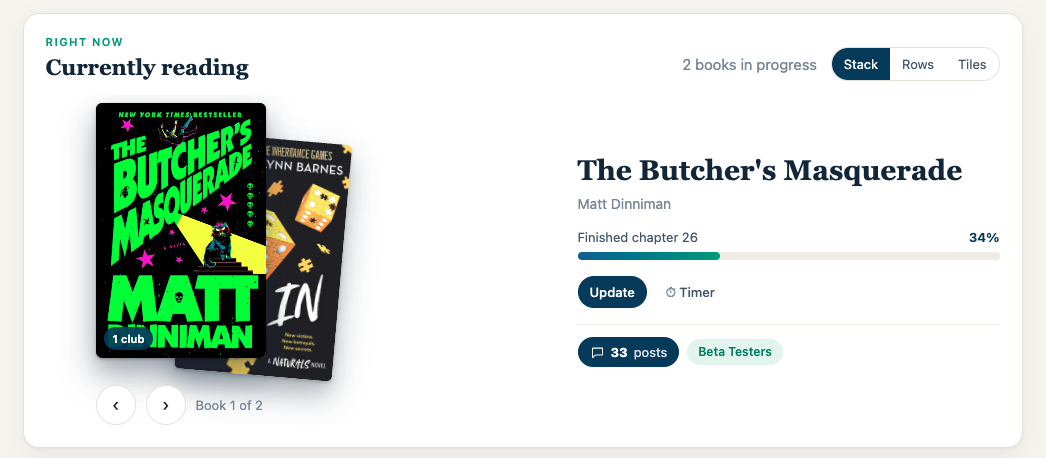
- Currently reading as a stack you flip through, with how far you are in each book.
- Update in two taps, then “Got anything to say?” for a quick post that only readers at your chapter or past it can see.
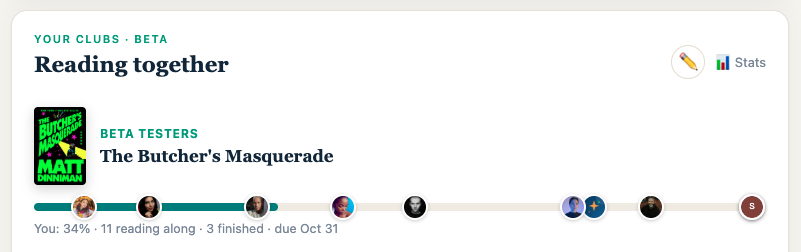
- Reading together shows each club’s book with every member’s place along one line.
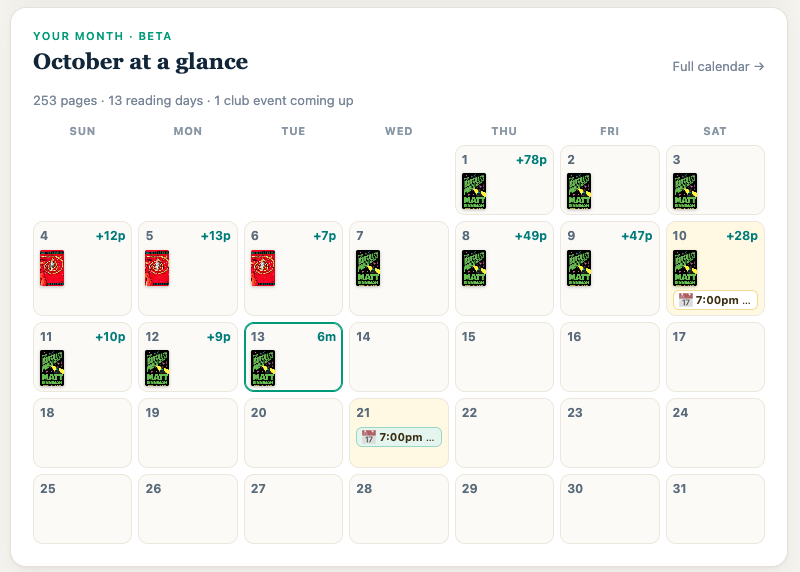
- Your month: a calendar of the days you read, with club events on it.
Posts
Share the moment, not just the page number
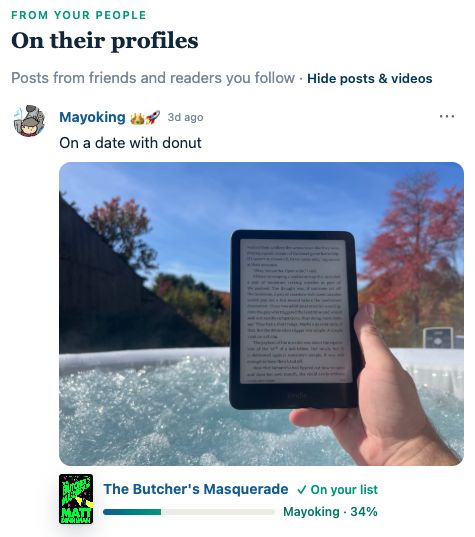
Post a photo, a video link or a thought to your profile and tag the book. Friends see it on Home with the book and how far along you are.
- Photos and videos with a caption: your reading spot, a new haul, a reaction.
- The book comes along: cover, title and your progress sit under the post.
- From your people: you see friends and readers you follow.
Book pages
Every book is a place to talk
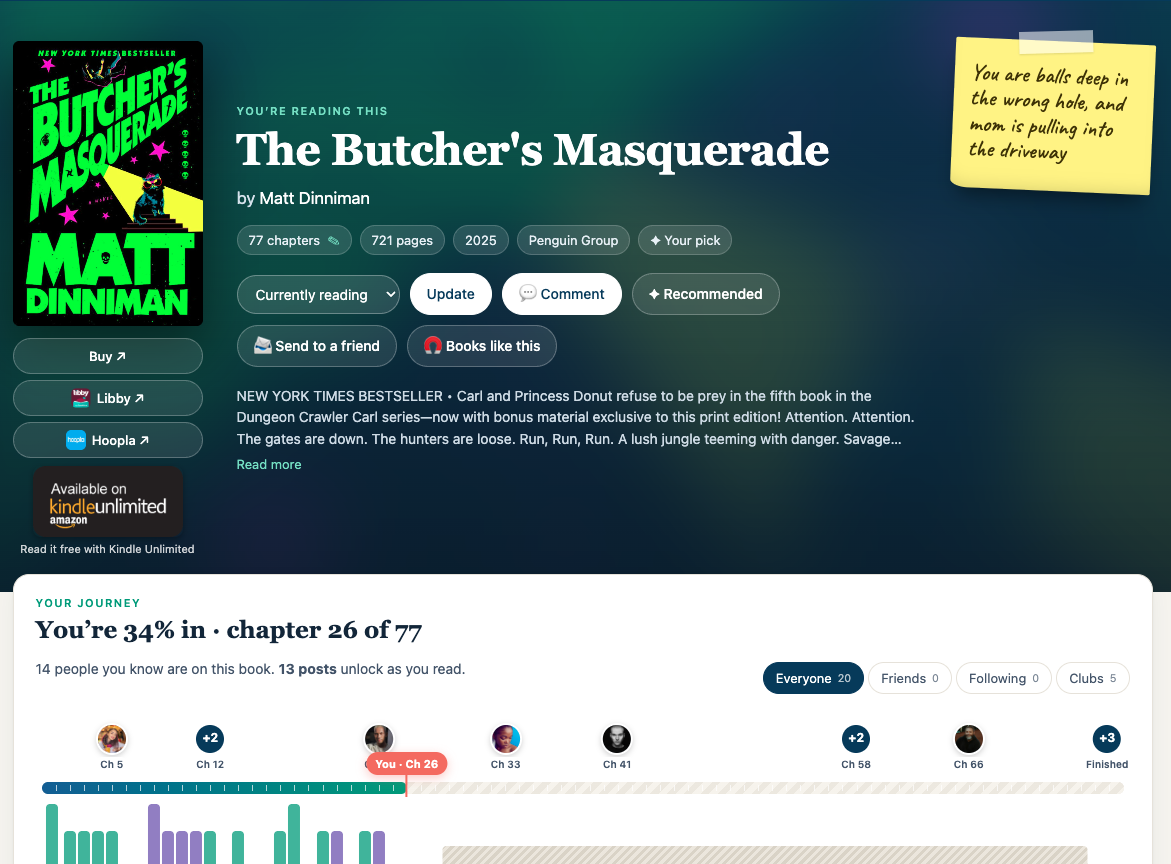
Each book has one home for everyone reading it, whatever the edition. Posts are tied to chapters, so you only see what you’ve already read.
- Your journey: where you are, who you know is on the book, and how many posts are waiting for you.
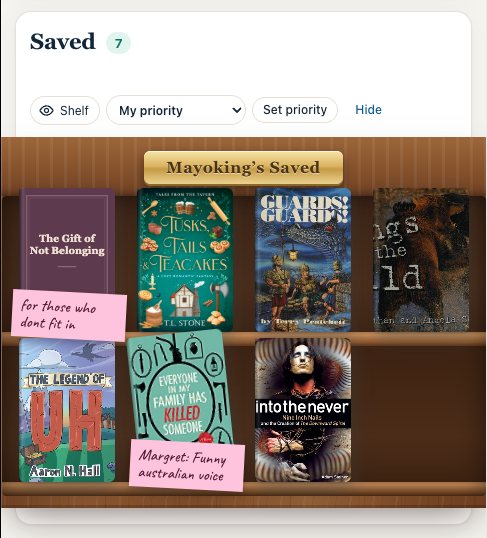
- Sticky notes to remember why you picked it up.
- Borrow or buy: Libby, Hoopla and Kindle Unlimited sit next to Buy.
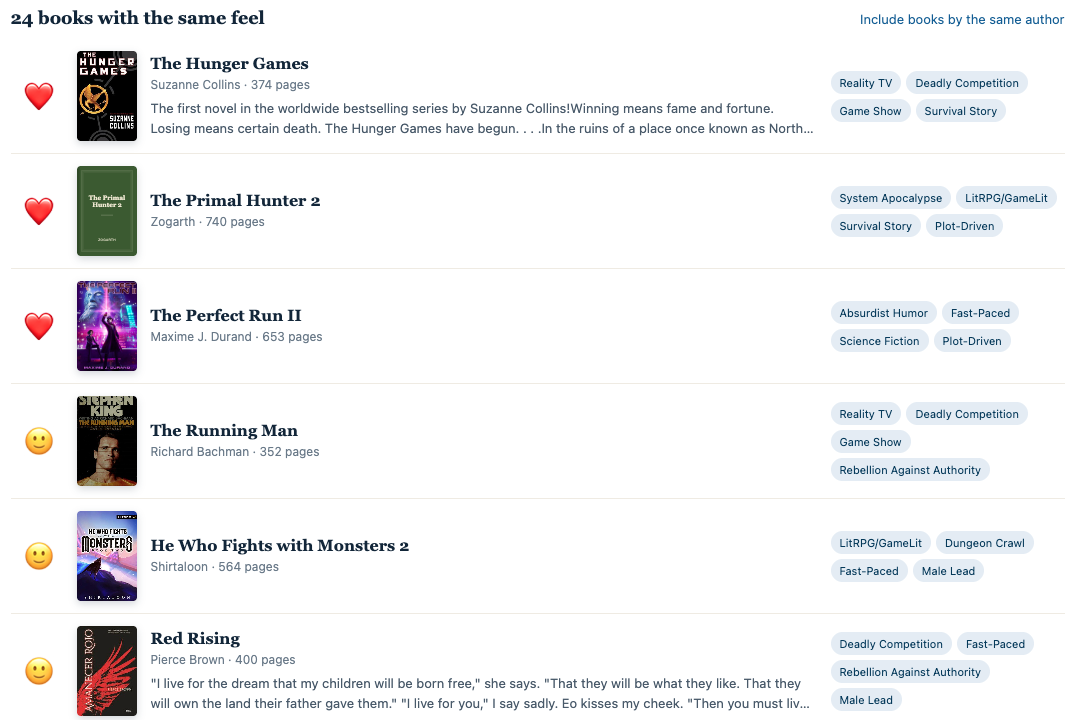
- Books like this finds books with the same feel, based on what’s inside them.
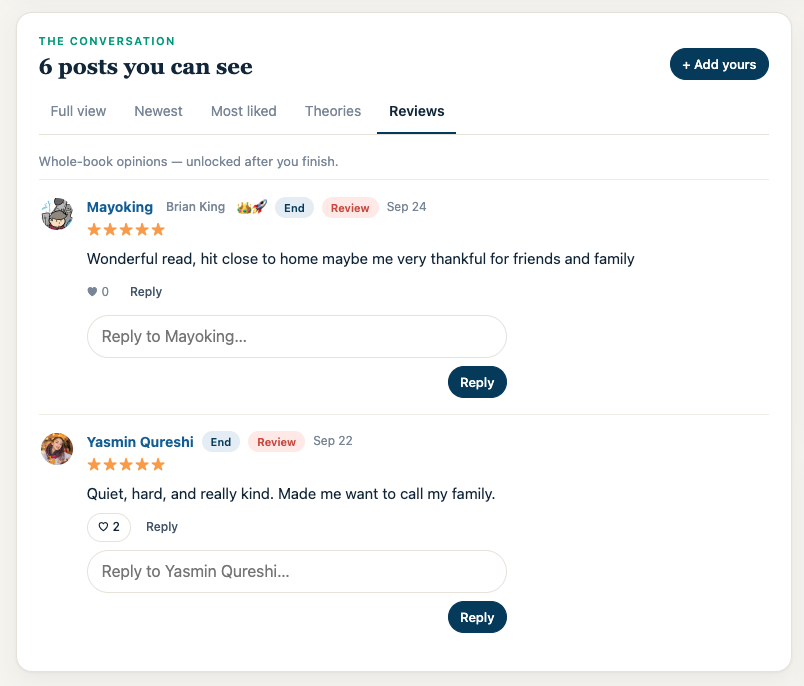
- Reviews unlock once you finish, so nothing gets spoiled.
Clubs
Reading together, at everyone’s pace
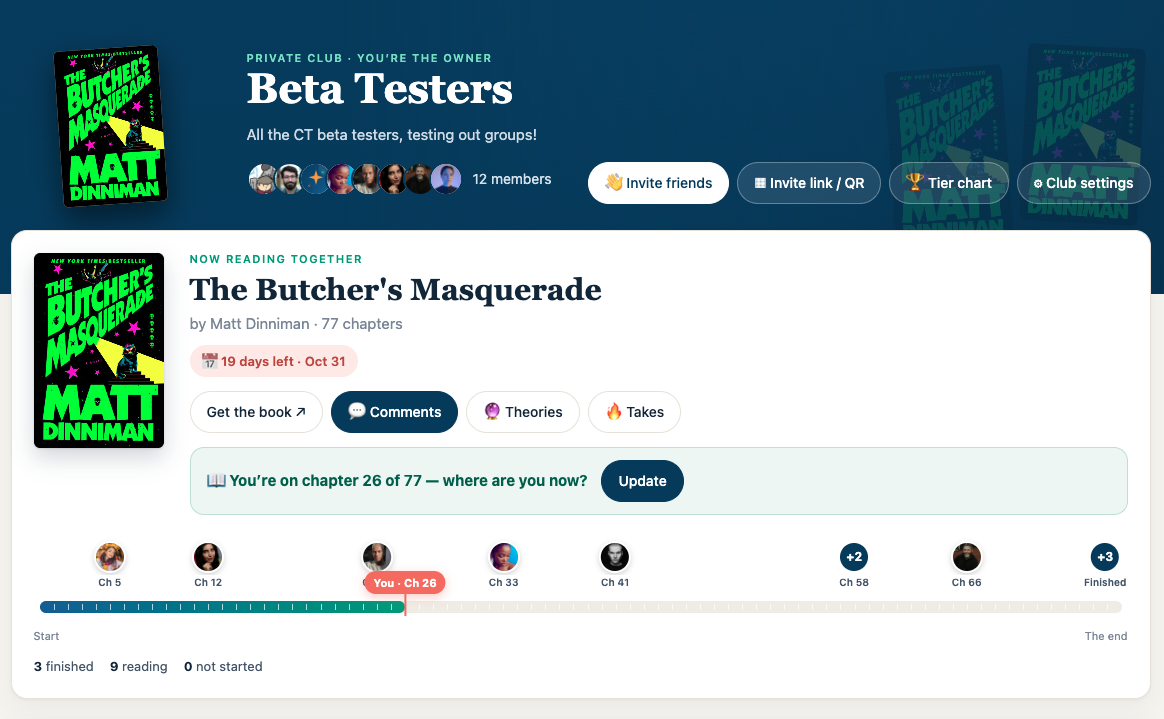
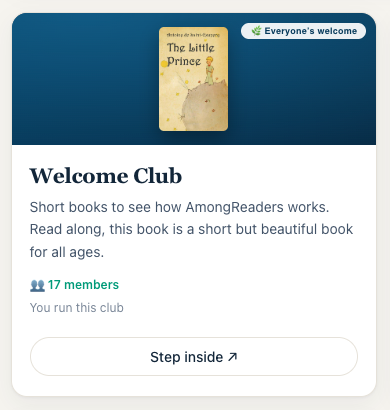
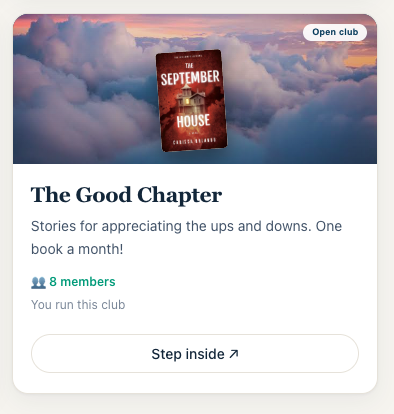
A club reads one book together, but nobody has to be on the same page. Everyone sees where everyone else is, and posts stay hidden until you get there.
- One line for the whole club: the book, the finish date and every member’s place.
- Spoiler-safe posts: “Only readers past chapter 29 will see this.” You choose whether it’s just the club or everyone.
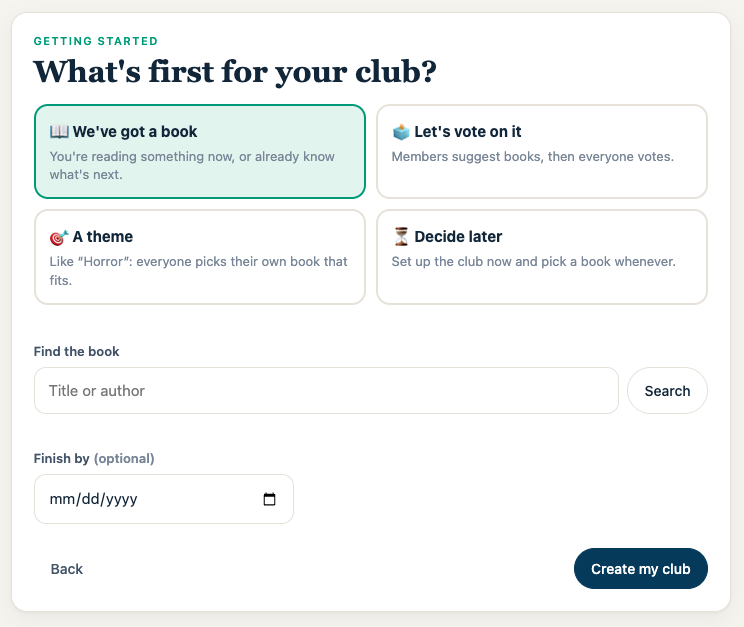
- Easy setup: start with a book, put it to a vote, pick a theme, or decide later.
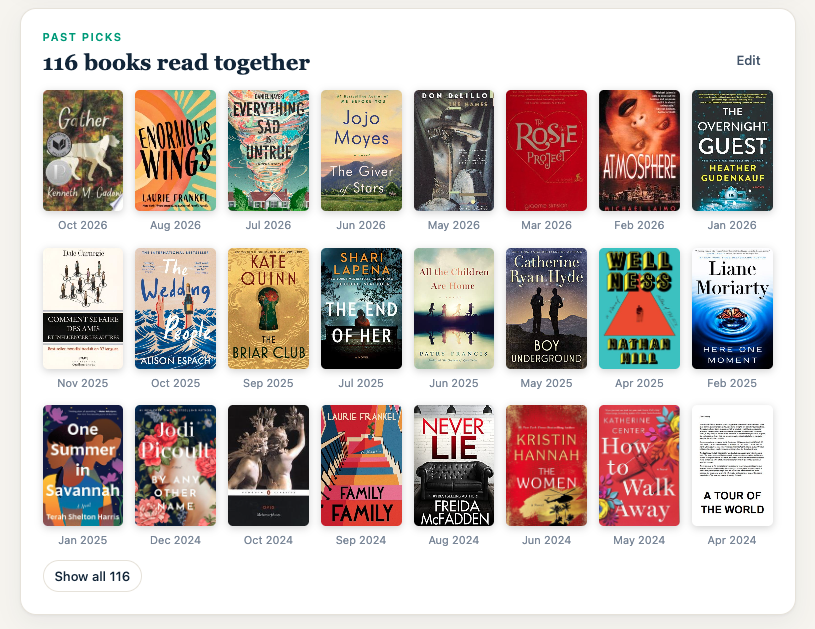
- Past picks: a club’s whole reading history as a wall of covers.
Finding books
Find it fast, or point your phone at a shelf
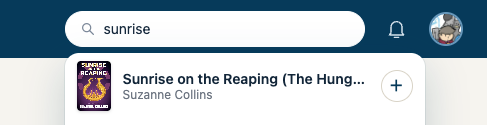
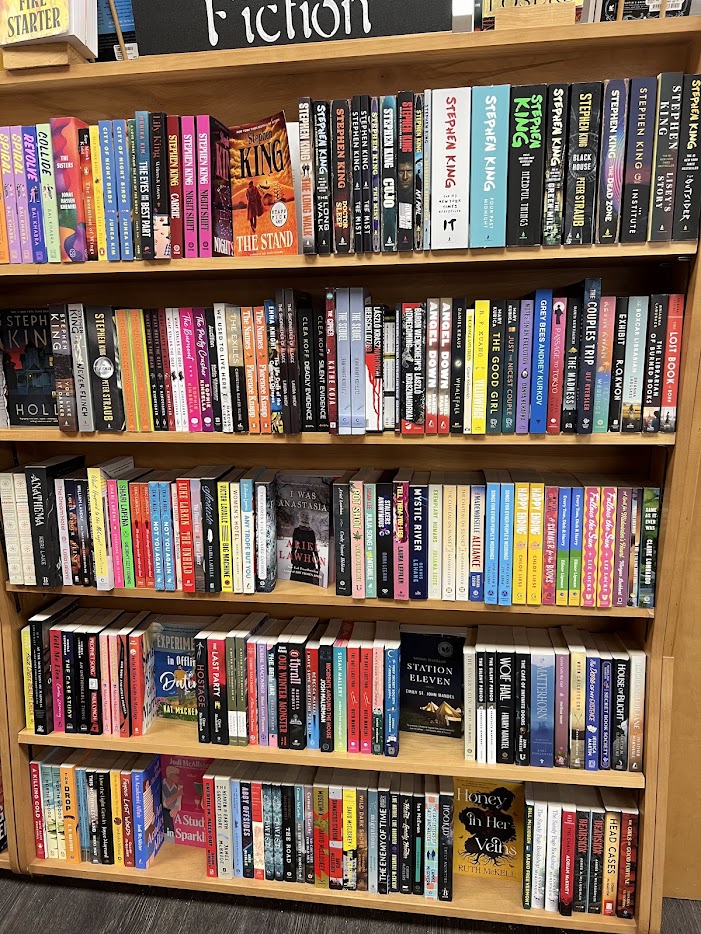
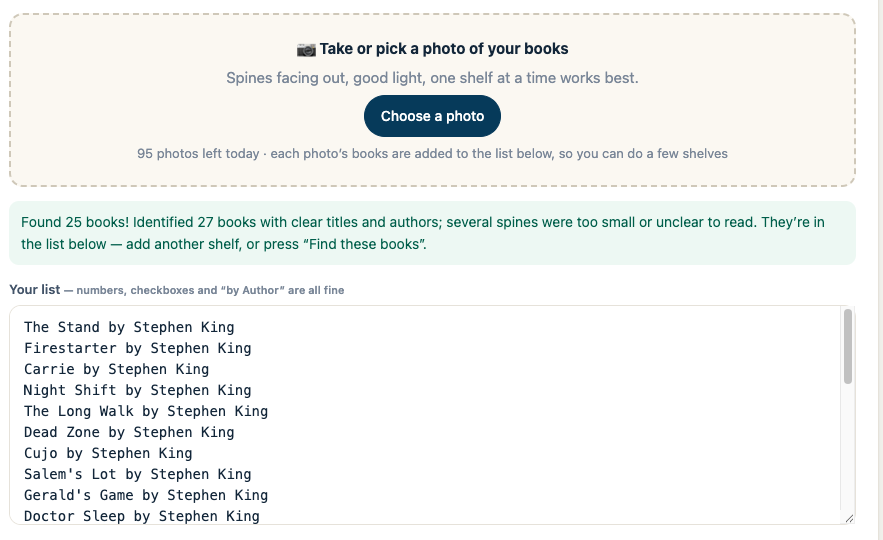
Search answers from our own library of over 350,000 books, with covers as you type. Or take a photo of a shelf and the site reads the spines.
- Quick search: covers drop down as you type. + saves a book in one tap.
- Author search: type an author and see them and their books.
- Add books with a photo: one bookstore shelf turned into 25 books ready to add.
Shelves, tier charts & stats
Your books, your way
Keep your books on a real-looking bookcase, rank your favorites, see every book in a spreadsheet, and watch your reading add up.
- Shelf view with sticky notes on the covers.
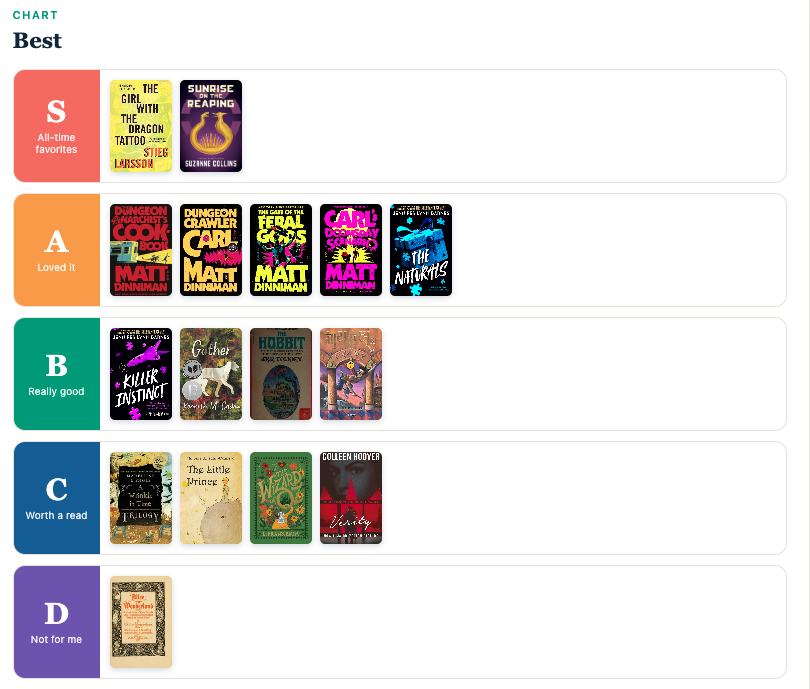
- Tier charts: drag books into S to D. They show on your profile.
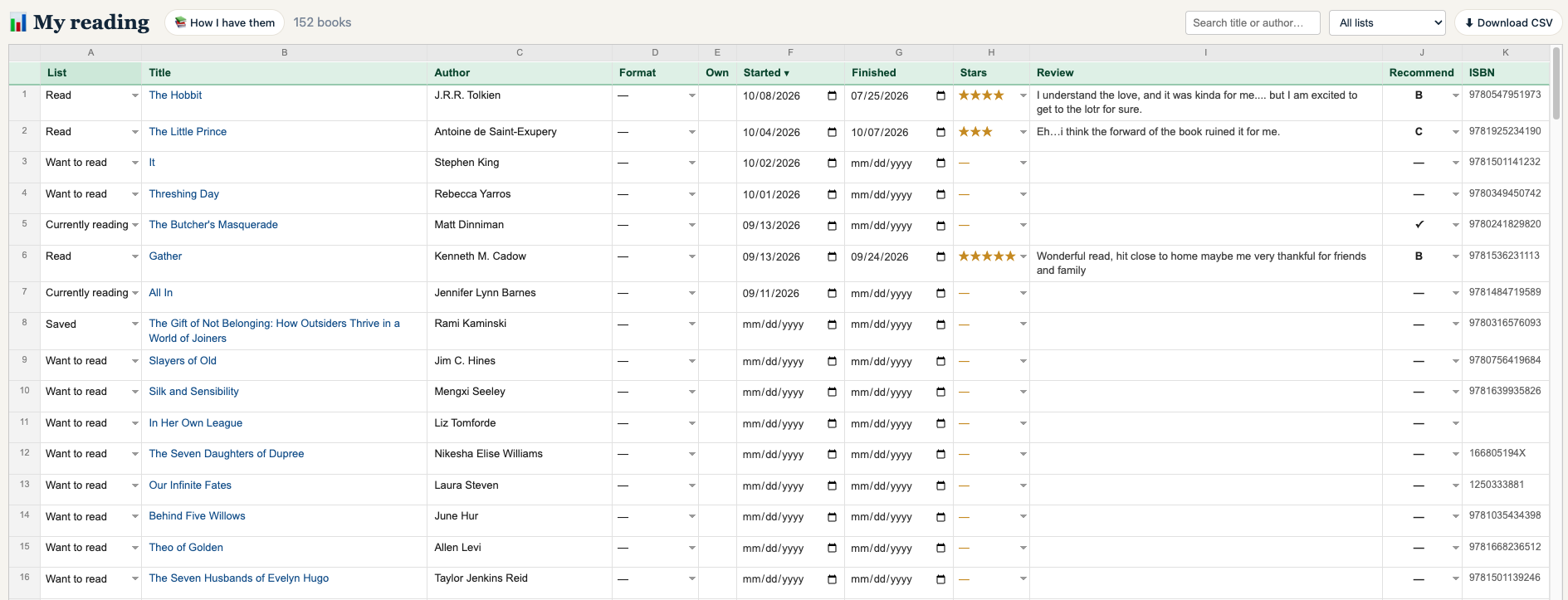
- Reading spreadsheet with dates, stars, reviews and a CSV download.
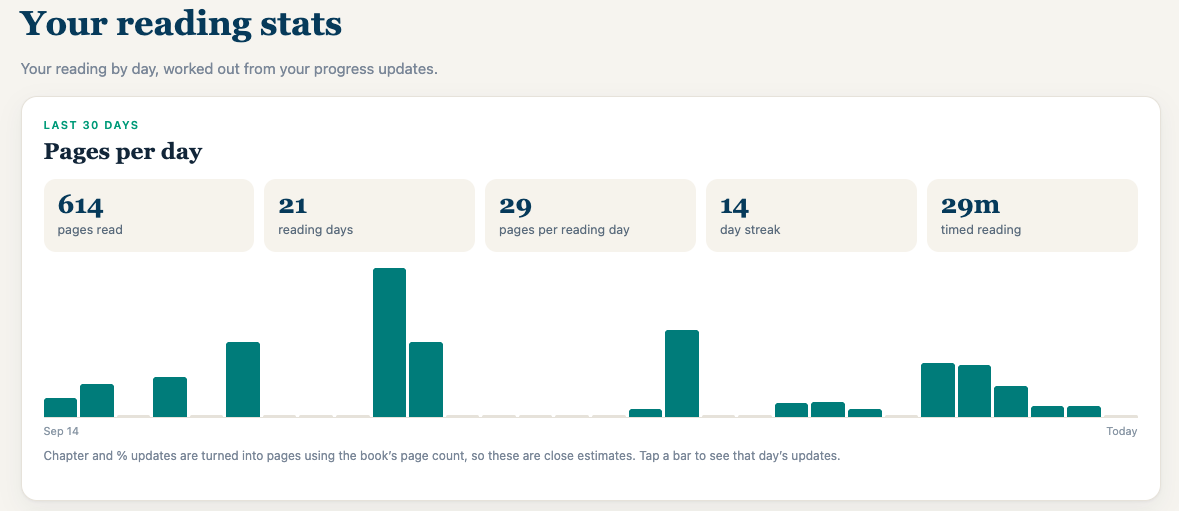
- Your reading stats: pages per day, reading days, streak and timed reading.
Friends
See what your people are reading
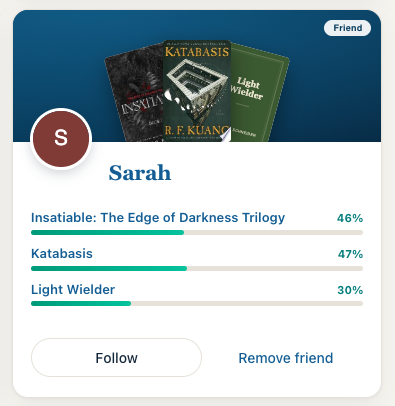
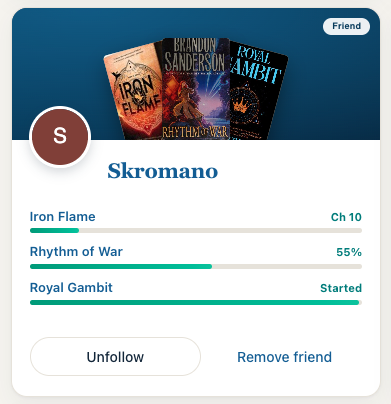
Friend cards show up to three books each friend is reading and how far along they are.
The road so far
What’s landed lately
New things arrive almost every day. Here are the big ones.
Faster search from our own library, covers as you type, author search, and your reading stats open to everyone.
Read alongs, club polls where members vote for more than one book, Goodreads sync, and friend cards that show what friends are actually reading.
Add books fast: paste a list, drop a CSV or snap a photo of your shelf. Books get descriptions, and club polls show page counts.
Club invites, a comments board on every club page, photos in posts, and a monthly reading recap.
Sticky notes, half-star ratings, posts with videos, a simple site for Kindle and other e-readers, and the wooden bookshelf view.
Tier charts you can save and share as an image.